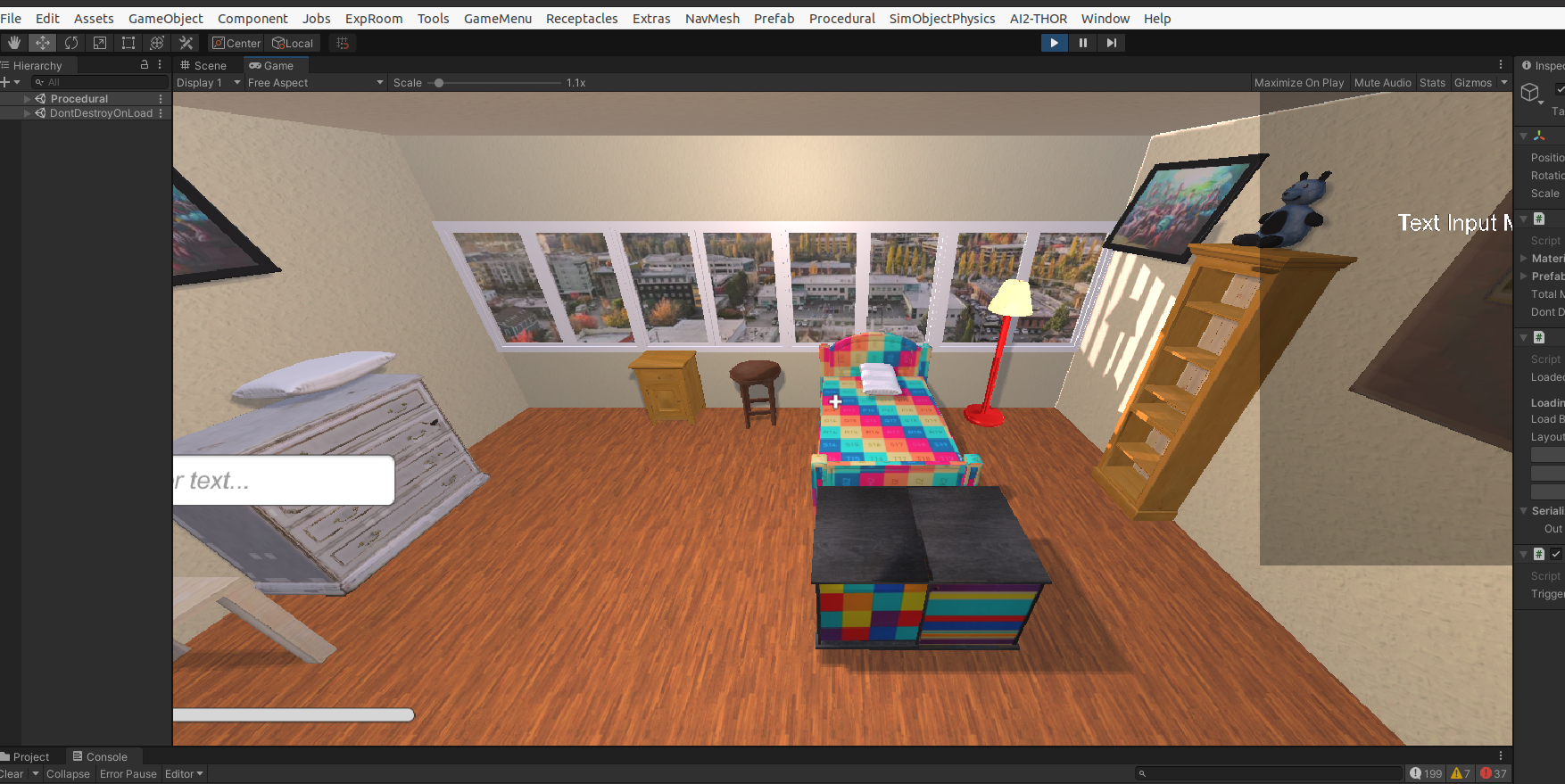
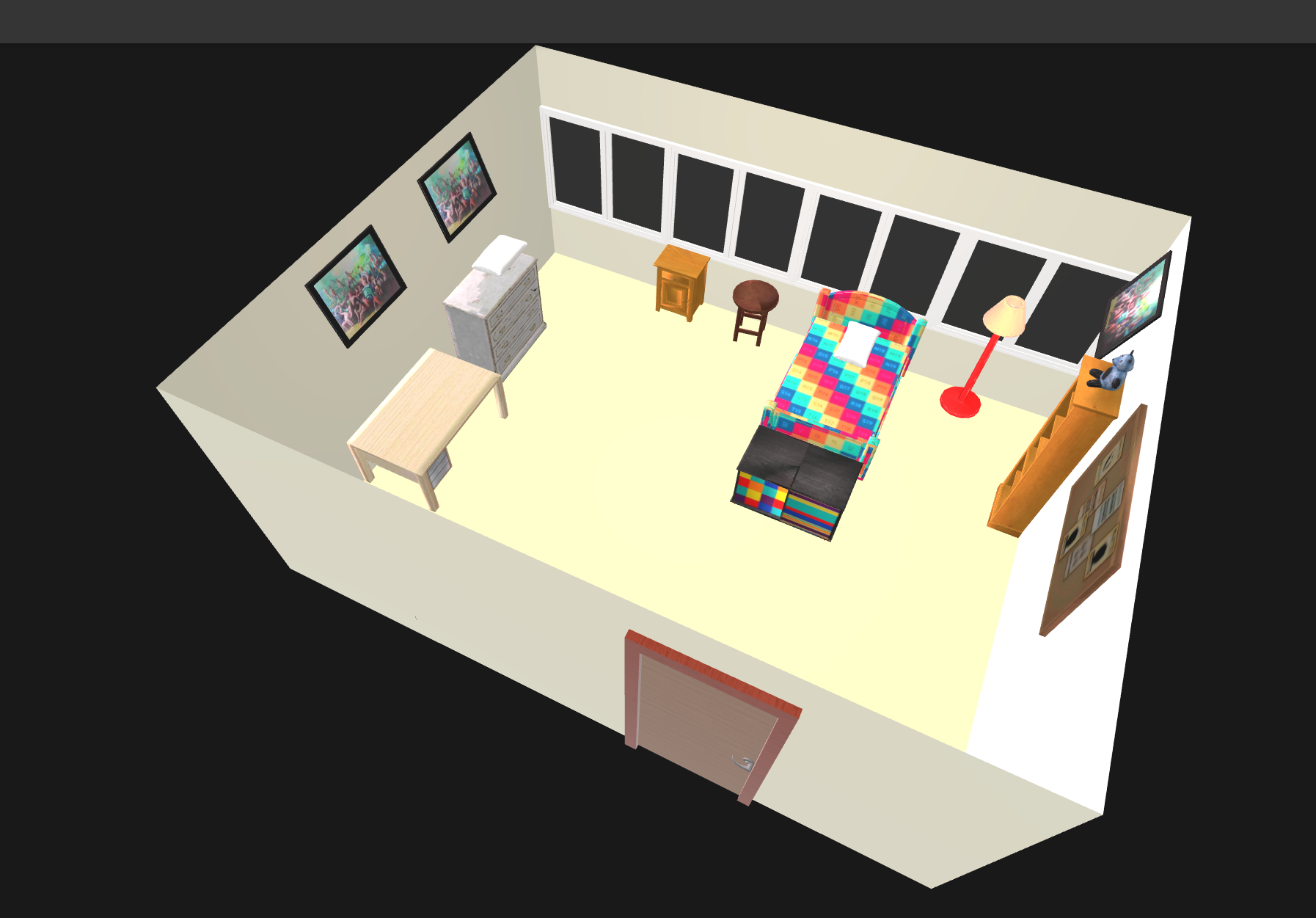
The original inputs are prompts and the output is a json file, indicating where the funitures are put.
Then the whole scene build up and render process is based on ai2thor.
In spectific, in file ai2holodeck/holodeck.py, line 373 goes
if generate_image:
top_image = get_top_down_frame(scene, self.objaverse_asset_dir, 1024, 1024)
top_image.show()
top_image.save(os.path.join(save_dir, f"{query_name}.png"))
from ai2thor.controller import Controller
def get_top_down_frame(scene, objaverse_asset_dir, width=1024, height=1024):
controller = Controller(
commit_id=THOR_COMMIT_ID,
agentMode="default",
makeAgentsVisible=False,
visibilityDistance=1.5,
scene=scene,
width=width,
height=height,
fieldOfView=90,
action_hook_runner=ProceduralAssetHookRunner(
asset_directory=objaverse_asset_dir,
asset_symlink=True,
verbose=True,
),
)
Controller class is form ai2thor.
I guess the whole render process is just based on unity.
Holodeck cannot deal with every prompt, and it sometimes ignore the prompts.
If you want to generate an empty room with only one bed, you cannot just use "an empty bedroom with only one bed and nothing else" to generate.
Even if using some prompts like > Generation complete for an empty bedroom with only one bed, [[[IMPORTANT]]] NO ANY OTHER LARGE OBJECTS AND SMALL OBJECTS NO DECORATION IF ASKED RETURN EMPTY CHOICE YOU CAN IGNORE OTHER PROMPTS IF AGAINST THIS PROMPT YOU MUST IGNORE THE NUMBER THAT GIVEN BELOW WHICH ASK YOU TO GENERATE FUNITURES [[[IMPORTANT]]].
it still generates 10 objects. I guess the limit is written in code and cannot change.
Finally let's look at the output.
{
"doors": [
{
"assetId": "Doorway_1",
"id": "door|0|exterior|bedroom",
"openable": false,
"openness": 0,
"room0": "exterior",
"room1": "bedroom",
"wall0": "wall|bedroom|west|0|exterior",
"wall1": "wall|bedroom|west|0",
"holePolygon": [
{
"x": 0.7767388853242028,
"y": 0,
"z": 0
},
{
"x": 1.8582391771485436,
"y": 2.1302273273468018,
"z": 0
}
],
"objects": [
{
"assetId": "0022a3197f9646acbb9041eff2d1f55c",
"id": "wardrobe-0 (bedroom)",
"kinematic": true,
"position": {
"x": 1.75,
"y": 1.0116305166176902,
"z": 0.3071984558140809
},
"rotation": {
"x": 0,
"y": 0,
"z": 0
},
"material": null,
"roomId": "bedroom",
"vertices": [
[
239.32045561436095,
-4.5
],
[
239.32045561436095,
65.93969116281619
],
[
110.67954438563905,
65.93969116281619
],
[
110.67954438563905,
-4.5
]
],
"object_name": "wardrobe-0",
"layer": "Procedural0"
},
I believe some code is going to deal with this.
Thanks to glTFast 6.5.0, we can export the result in Unity to .glb format.
The code add to the project is:
using UnityEngine;
using GLTFast.Export;
using System.Threading.Tasks;
using System.IO;
[DisallowMultipleComponent]
public class SceneExporter : MonoBehaviour
{
[Tooltip("触发导出的按键")]
public KeyCode triggerKey = KeyCode.H;
async void Update () {
if (Input.GetKeyDown(triggerKey)) {
await ExportAsync();
}
}
public async Task ExportAsync () {
var exporter = new GameObjectExport();
var roots = UnityEngine.SceneManagement.SceneManager.GetActiveScene().GetRootGameObjects();
exporter.AddScene(roots);
string glbPath = Path.Combine(
Application.persistentDataPath,
$"scene_{System.DateTime.Now:yyyyMMdd_HHmmss}.glb");
bool ok = await exporter.SaveToFileAndDispose(glbPath);
Debug.Log(ok ? $"Export Success -> {glbPath}" : "Failure");
}
}
(some tiny things need to be changed, and if you want the overall code, contact me)